View the Deal Overview
The Deal Overview screen, which opens after you create a new deal and is available from the Selected Deal menu, provides summary information about the major aspects of the deal, including the property, the deal, the development team, and assigned users.
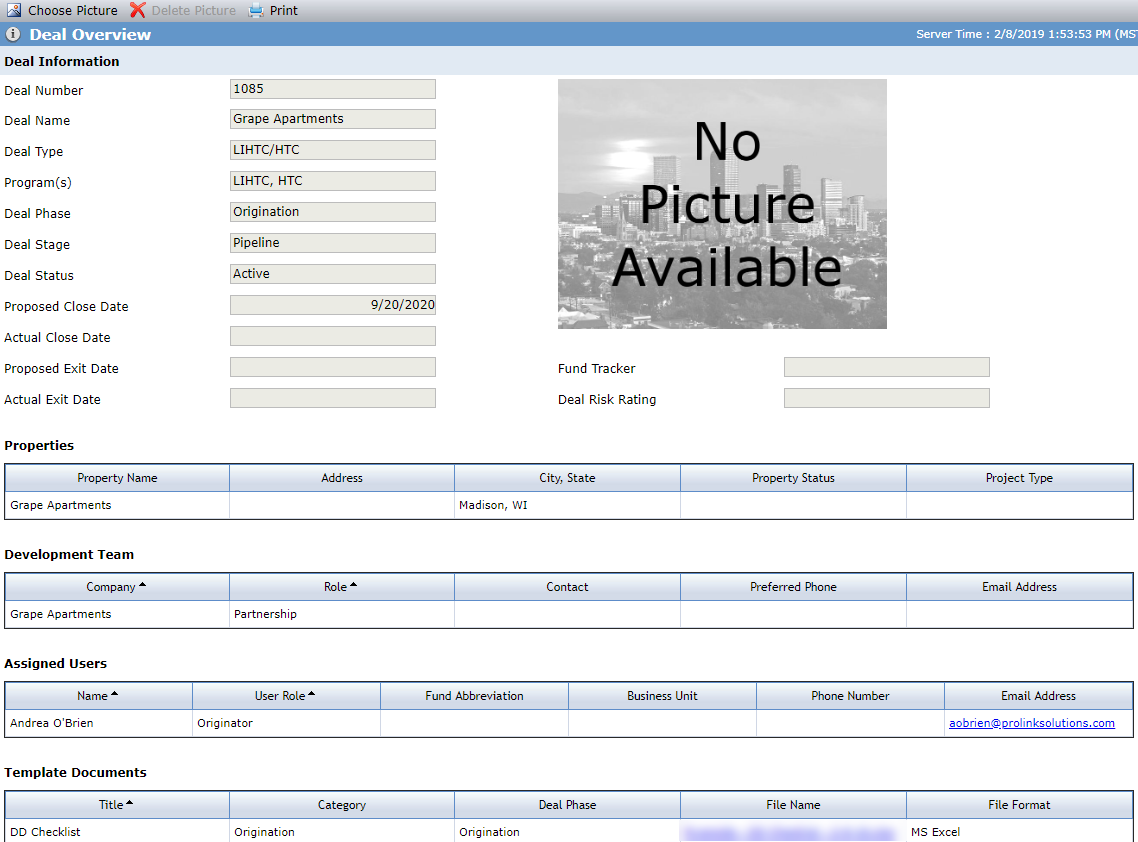
The Template Documents grid displays any template documents attached to the deal as a result of the deal's program(s), deal type, and structure type. The administrator configures templates and template documents in ProLink Admin.