Main Menu
The main menu is the top option of the left navigation panel. This item is always available for selection. From here, you can navigate to overview and dashboard screens, and add new deals, funds, and portfolios. In addition, the main menu provides quick access to the last five deal, fund, and portfolio records viewed.
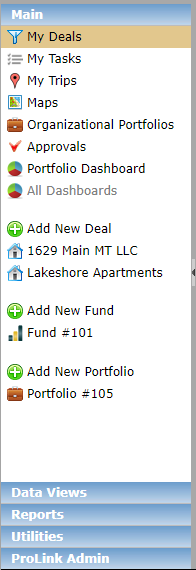
ProLinkAIM offers several different overview and dashboard screens that are part of the Main menu panel and act as a summary, allowing for individual workload management. Your user role dictates which screen will be your landing page each time you access the ProLink application.