Maps
Important
The system administrator must select a Maps provider in Config Settings.
The Maps feature allows you to filter and view deals on a map.
Find Deals on a Map
Navigate to the Main Menu, and then select the Maps option in the left navigation panel.
The Maps screen opens.
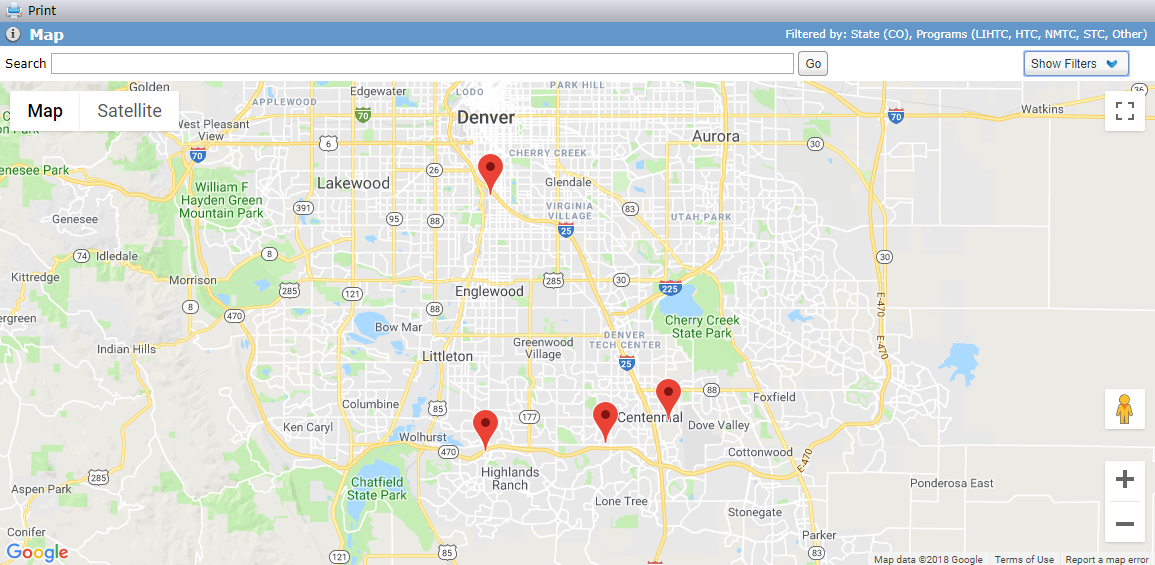
Set up map filtering.
Click Show Filters.
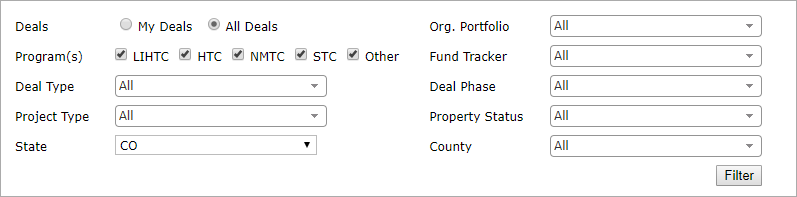
Select options to narrow the search results.
For example, you might want to locate only your deals or LIHTC deals in a particular county.
Click Filter.
Optionally, you can enter an address in the Search field to pinpoint the location on the map.
When you change the filters, the map refreshes and the search location markers are cleared.