View Records
Access ProLinkAIM.
Select the Data Views menu from the left navigation panel.
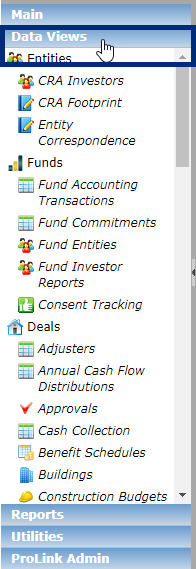
Select the Data Views menu item that contains the information requested.
The selected Data View is displayed.
If you want to view the details for a particular record, click the row to open the record details.