AHIC Property Report
The AHIC Property Report is available in the Reports panel.
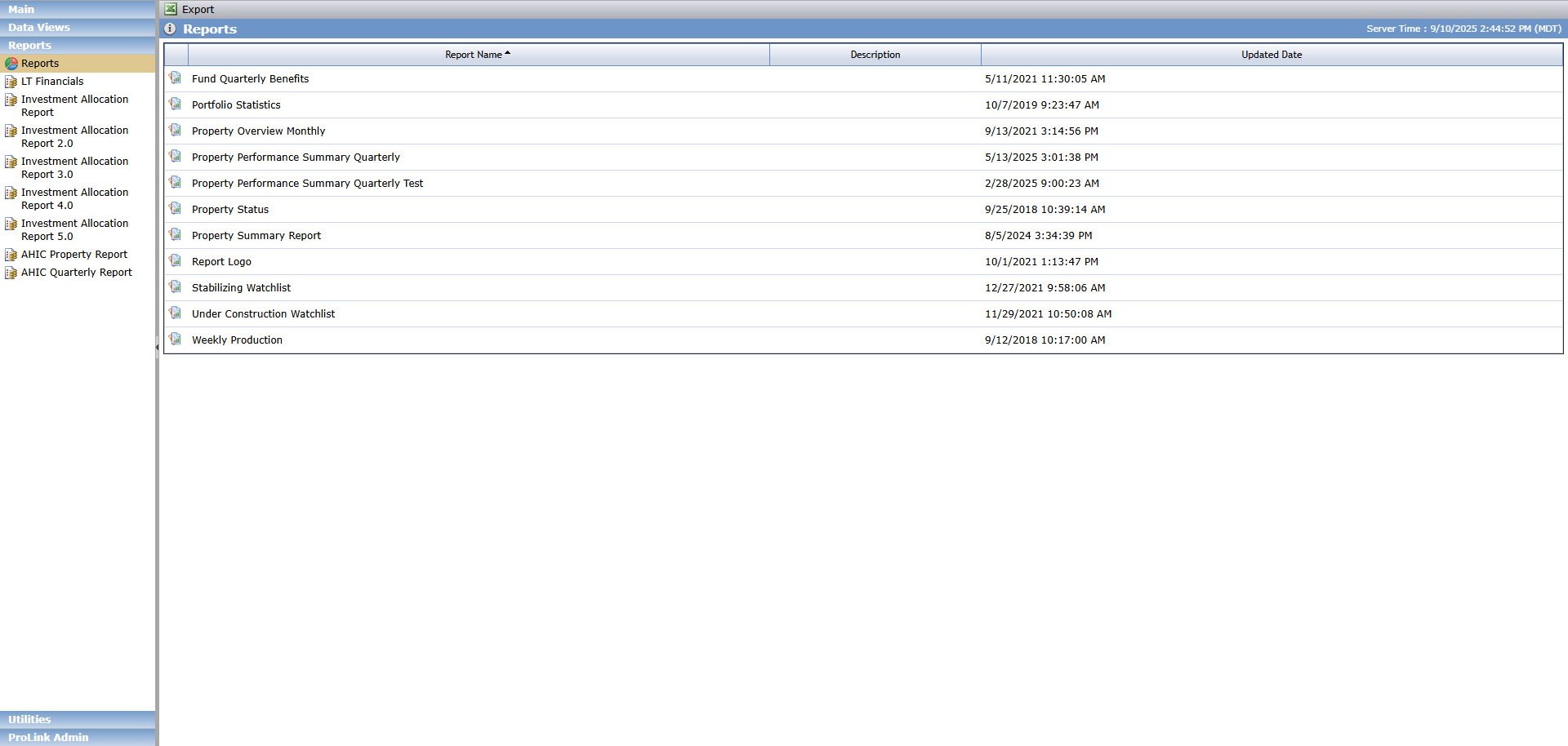
The AHIC Property Report is a standard AHIC report in a Microsoft Excel format that you can include in the Investor Reporting package.
To generate the report:

Enter the Deal name to generate the report for a specific deal.
You must enter the deal name exactly as it appears on Deal Details for a match to occur.
Select the Deal Phase to generate the report for deals in a specific phase.
Enter the Fund Abbrev to generate the report for deals associated to a specific fund.
You must enter the fund abbreviation exactly as it appears on Deal Details for a match to occur.
Select the Organizational Portfolio to generate the report for deals in a specific portfolio.
Click Run Report.
Field | Data Source |
|---|---|
Fund | Fund Tracker |
Property Name | Deal - Deal Name |
Property Partnership Name | Deal - Entity with role of Partnership |
Net Equity Invested | Sum of Equity Schedule - Capital Contributions - Capital Amount |
Total Cost of Project | Deal - Pipeline Report Items - Total Development Costs |
Type | Property - Tenant Mix If more than one property, the first property is used |
Address | Property - Physical Address If more than one property, the first property is used |
City | Property - City If more than one property, the first property is used |
County | Property - County If more than one property, the first property is used |
State | Property - State If more than one property, the first property is used |
Zip | Property - Zip If more than one property, the first property is used |
Market | Property - Location Type If more than one property, the first property is used |
Difficult Development Area? | The system does not populate this field. You can manually enter the data in the generated report. |
Qualified Census Track Identification Number | Property - MSA Code If more than one property, the first property is used |
Year Built | Property - Year Built |
Construction Type | Property - Project Type |
LIHTC Units | Property - Property Total TC Units If more than one property, the first property is used |
Market Units | Property - Property # of Market Units If more than one property, the first property is used |
Total Units | Property - Property Total Units If more than one property, the first property is used |
Percentage Owned | Deal - Ownership Structure, Ownership %, of the Active Limited Partner (no exit date) |
Projected Completion Date | Property - Projected Construction Completion Date If more than one property, the first property is used |
Completed Date | Property - Actual Construction Completion Date If more than one property, the first property is used |
Date Actually Leased Up | Property - Actual 100% TC Occupancy If more than one property, the first property is used |
Date Acquired | Deal - Status History - Actual Closing Effective Date |
Developer | Deal - Entity with role of Developer |
Developer Type | Deal - Entity - Profit Status with role of Developer |
Local General Partner | The system does not populate this field. You can manually enter the data in the generated report. |
Property Status | Property - Status |
Manager | Deal - Entity with role of Property Manager |
Support Services | The system does not populate this field. You can manually enter the data in the generated report. |
1st Lienholder | Debt - From (Lender) Shows record where Debt Instrument Type = Permanent Loan and Order = 1 |
1st Lien Amount | Debt - Actual Amount Shows record where Debt Instrument Type = Permanent Loan and Order = 1 |
1st Lien Rate | Debt - Rate Shows record where Debt Instrument Type = Permanent Loan and Order = 1 |
1st Lien Rate Type | Debt - Rate Type Shows record where Debt Instrument Type = Permanent Loan and Order = 1 |
1st Lien Character | Debt - Hard vs Soft Shows record where Debt Instrument Type = Permanent Loan and Order = 1 |
1st Lien Term | Debt - Loan Term (Months) Shows record where Debt Instrument Type = Permanent Loan and Order = 1 |
1st Lien Amortization Period | Debt - Amortization Term Shows record where Debt Instrument Type = Permanent Loan and Order = 1 |
1st Lien Comments | The system does not populate this field. You can manually enter the data in the generated report. |
All Other Debt Amounts | Sum of Debt - Actual Amount for all liens NOT where Debt Instrument Type = Permanent Loan and Order = 1 |