Enable Mass Mapping
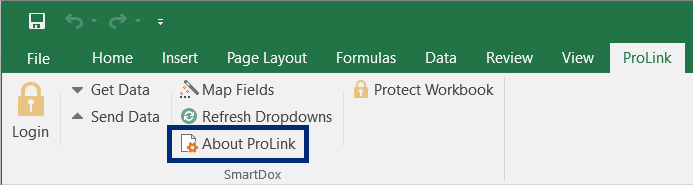
Click About ProLink on the ProLink menu.
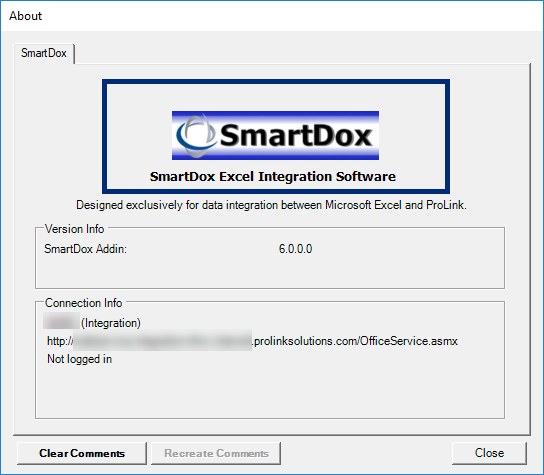
The About window opens.
Click the SmartDox logo to open the Configure SmartDox window.
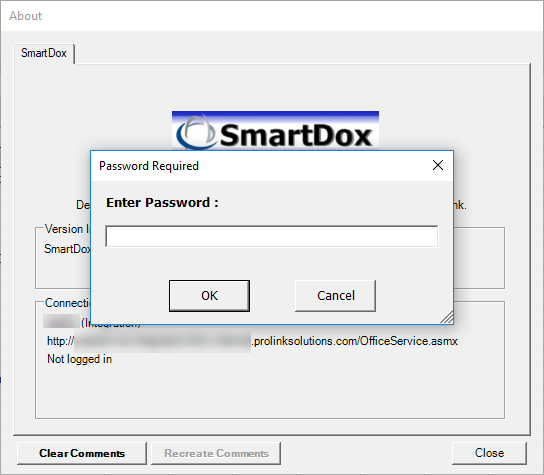
When prompted, enter the password and click OK.
The Configure SmartDox window opens.
Select the Enable Mass Mapping checkbox.
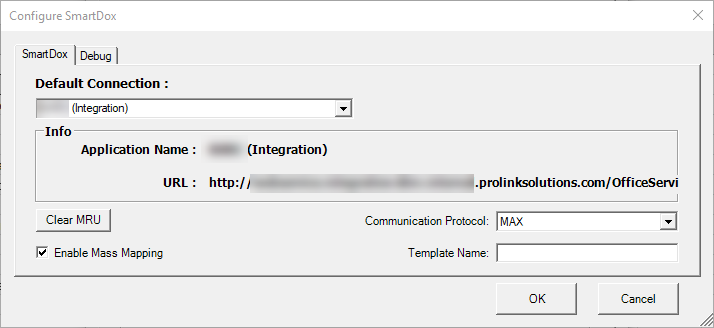
Click OK to save the change and close the Configure SmartDox window.
Click Close to close the About window.
Mass mapping is now enabled.