My Trips
The My Trips dashboard is a tool that helps you manage site visits. For example, you can organize a trip for inspections at multiple properties. My Trips integrates with the mapping functionality so that you can create a map with driving instructions between points. Because My Trips is a data view, which lists all trips in ProLinkAIM, you can use all of the standard data view functionality such as sorting and grouping.
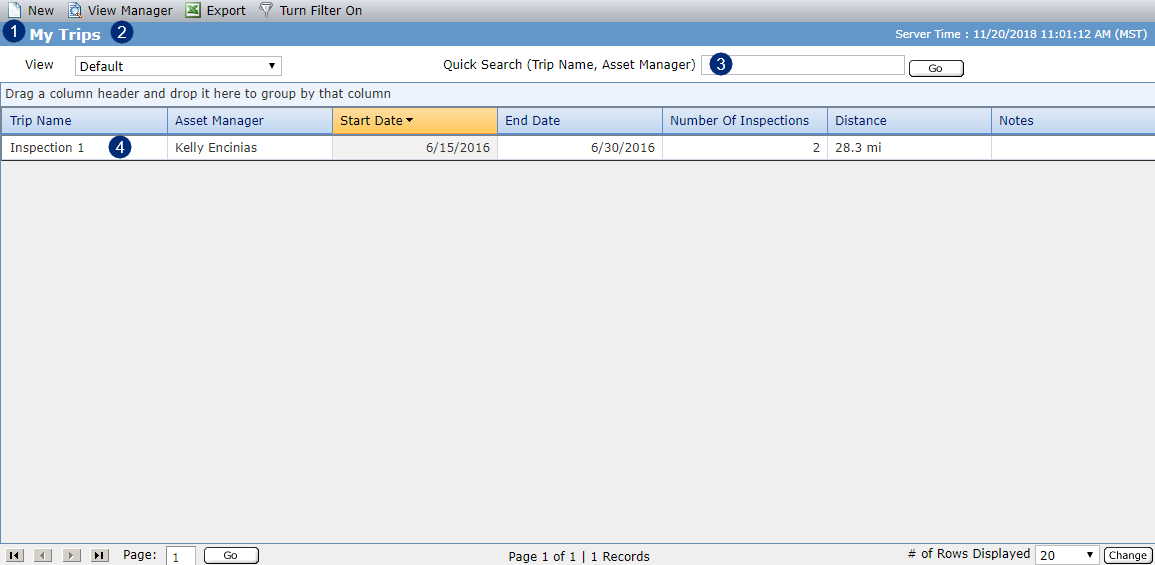
From the dashboard, you can:
Create a new trip.
Use View Manager to create and manage custom Trips data views.
Search for a trip.
Click a row in the grid to navigate to the Edit Trip screen for the selected trip.