Property Status Report
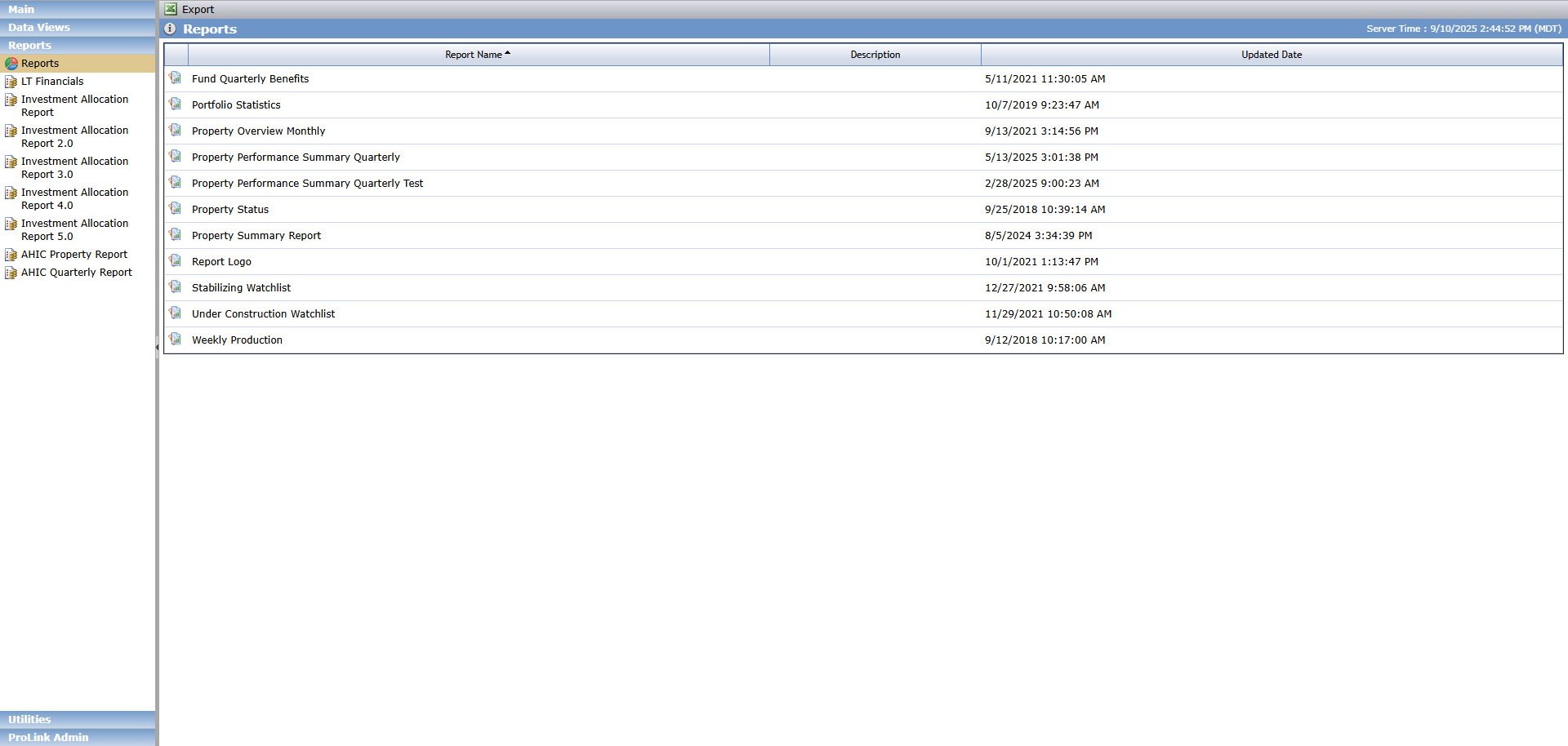
The Property Status Report is available in the Reports section of the Reports panel.
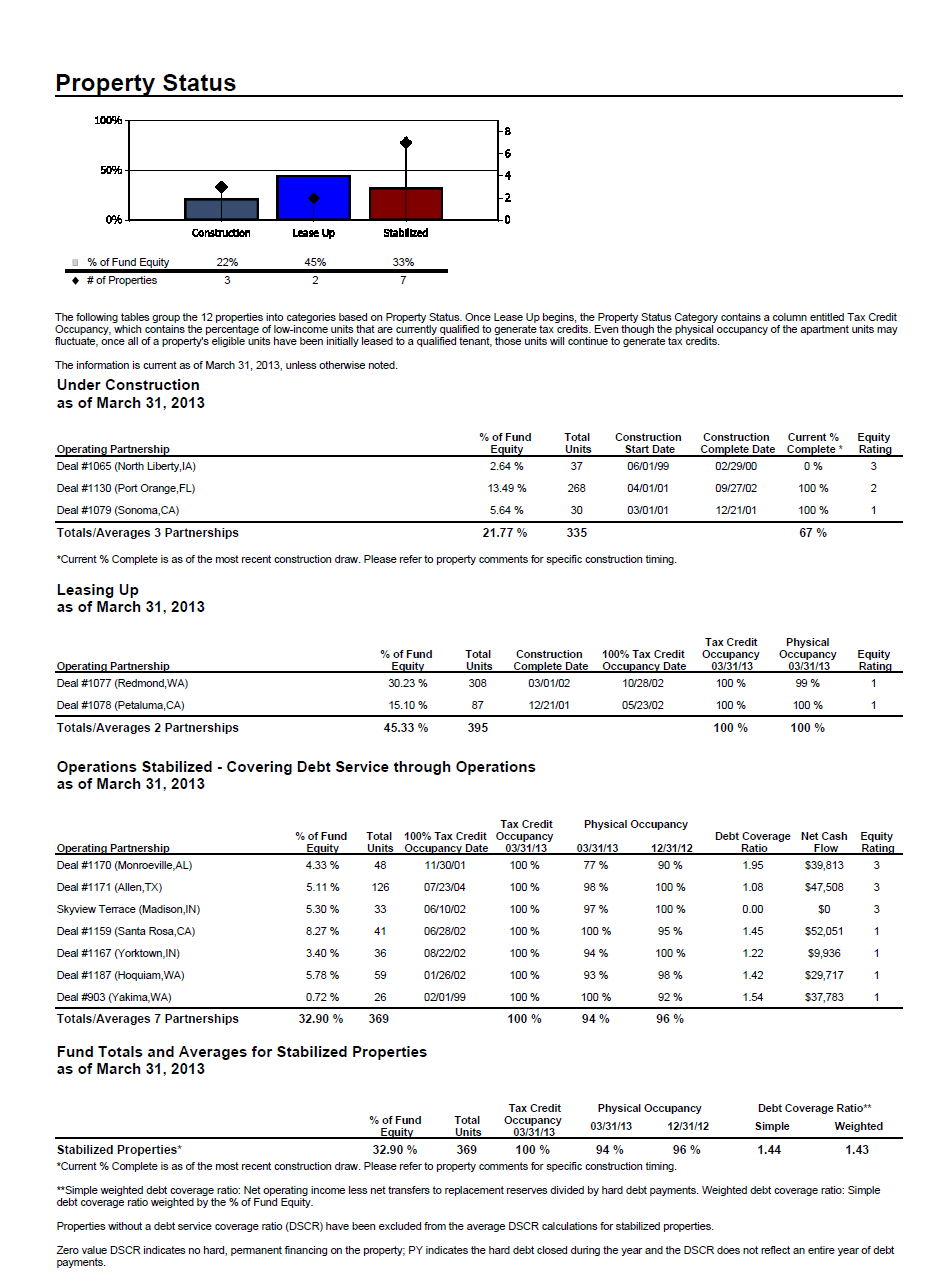
The Property Status Report presents Risk Review, Periodic Financial, and Occupancy data for Deals associated to a Fund or Organizational Portfolio. The report is broken into subsections that display different data points based upon the Property Status. The report aggregates the data for each section.
The report displays lower tier deals owned by funds directly or through a middle tier fund. Lower tier deals owned through a middle tier fund are only included when Include Child Funds equals Yes.
The report contents include:
Property Status/Equity Bar Chart
Introductory Text
Property Statuses
Under Construction
Leasing Up
Construction and Lease Up Complete - Operations Stabilizing
Operations Stabilized - Covering Debt Service through Operations
Operations Stabilized - Covering Debt Service through Operations, Accrual of Accounts Payable and/or Use of Operating Cash
Operations Stabilized - Covering Debt Service through Operations, Reserves and General Partner Loans
Operating Partnerships Failing to Report Fiscal Information
Unclassified Properties - Properties Without a Status Post Compliance Period Reporting / Project Sales
Indirect Investment
Fund Totals and Averages for Stabilized Properties
To generate the report:

Select the fund or portfolio name to report on.
Select whether to include child funds in the results.
Select the Reporting Period Year.
Select the Reporting Period Qtr.
Select any optional reporting filters as needed.
You can configure the results based on the Asset Manager's Risk Review Notes or the Investor Risk Review Notes. The equity can be based on an amount or percentage. And you can control the look with configurable spacing between sections.
Click View Report.
Save or print the report.