Investment Allocation Report 4.0
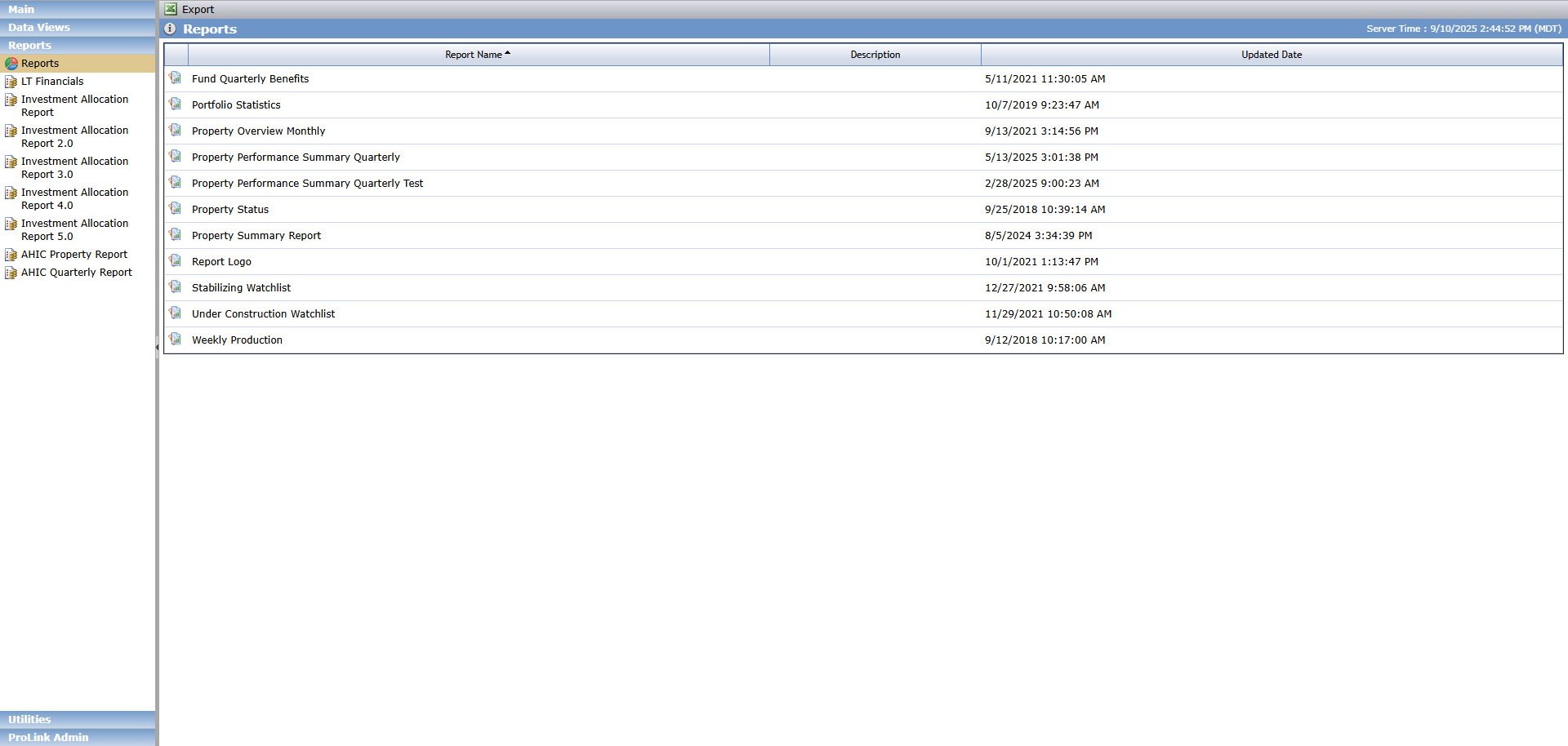
The Investment Allocation Report 4.0 is available in the Reports panel.
This report is a Microsoft Excel formatted report that helps an organization determine how they are performing in meeting their CRA obligations. The data is reported at a deal's property level with some of the data points at the deal level.
The CRA investment is displayed in one of two columns based on whether the deal's Actual Close Date is prior to or within the exam period. If the date is prior to the exam period, then the investment amount is displayed in the Prior column. If the date is within the exam period, it is displayed in the Current column. If the date is after the As of Date of the report, it is excluded.
Prior period deals use the deal's Projected CRA Period End Value to determine the CRA Credit Amount, while current period deals use the total adjusted capital for the deal.
The report contains two main tabs—Investment As Of Sale Date and Investment End of Cycle. The tabs represent data based on two timing perspectives—the book balance as of the last calendar month (prior to the report As of Date) and a future look at the end of the CRA exam period. A third tab—Excluded Investments—lists the deals that have been excluded from CRA reporting.
The requirements for running the report:
Deal-level
Must be active
Committee Review type of Credit Approval with an Approval Date must exist
Book Balance greater than 0.00 for the month prior to the As of Date must exist (to populate the Mapping Invest As Of Sale Date tab)
A Projected CRA Period End Value greater than 0.00 must exist (to populate the Investment End of Cycle tab)
This field can be populated only through the Book Value Mass Update Import.
The Import can be used only when the Impairment Method is Manual.
Application-level
A Bank CRA Exam period must exist
The exam period is created through the Bank CRA menu option under the ProLink Admin panel.
CRA Assessment Areas should exist
These are created through the CRA Admin menu option under the ProLink Admin panel. If not created, then no assessment area will be displayed on the report.

To generate the report:

The As Of Date defaults to the current date. Enter or select a different date within the exam period if needed.
If you try to use a date outside of the selected exam period, the system presents a validation error.
Select the Current CRA Exam Period.
This list shows all active CRA Exam Periods with the most current being the default.
Click Run Report.
Generating the report can take a minute or longer.
Depending on your browser settings, the Microsoft Excel formatted report is downloaded automatically or you are prompted to save the file.
Example file name: "Investment_Allocation_Report_v4 Exam Period 7-1-2020 to 12-31-2022 with As of Date 6-4-2024.xlsx"
Report Field | ProLinkAIM Field | ProLinkAIM Location | Description (Logic) |
|---|---|---|---|
Investment As Of Selected Date Tab | |||
AIM Deal Number | Deal Number | Deal Overview | The number assigned to the deal in ProLinkAIM. |
AIM Deal Name | Deal Name | Deal Overview | The name assigned to the deal in ProLinkAIM. |
Partnership Name | Name | Deal Entities | The name of the deal entity with the role of Partnership. If more than one entity with the role of Partnership exists, multiple entities will be listed. |
Property Name | Property Name | Property Details | The name of the property. |
Origination Date | Actual Close Date | Deal Overview | The Actual Close Date for the deal. |
Street Address | Physical Address | Property Details | The physical address of the property. |
City | City | Property Details | The city where the property is located. |
Zip Code | Zip Code | Property Details | The zip code where the property is located. |
County | County | Property Details | The county where the property is located. |
State | State | Property Details | The state where the property is located. |
AA | CRA Assessment Area | Property Details (Regulatory Information) | The CRA Assessment Area where the property is located. |
Prior Period Amount | The CRA Credit Amount if the deal's Actual Close Date is prior to the selected CRA Exam period, otherwise blank. | ||
Current Period Amount | The CRA Credit Amount if the deal's Actual Close Date is within the selected CRA Exam period, otherwise blank. | ||
CRA Credit Amount | Ending Book Value for the month before the As of Date | Impairments | The CRA Credit Amount uses a calculated amount and is not pulled directly from the ending Book Balance on Impairments. If the Actual Close Date (Deal Details>Status History>Actual Closing>Effective Date) is within the Exam Period, the report sums the total adjusted capital for the deal's capital contributions that are not marked as "Exclude from Total Capital." If the Actual Close Date is prior to the exam period, the report uses the ending book value for the month immediately prior to the As of Date, as long as the value is greater than zero. For Deals where there is only one associated Property, the Ending Book Balance amount is multiplied by 100% to get the value. For Deals where there are multiple properties, the ending Book Balance is multiplied by a split ratio. The split ratio is calculated as follows:
|
Exam Period | Identifies whether the deal is in the Prior or Current period (See definition in Prior and Current). | ||
Program (Investment Type) | Deal Type | Deal Overview | The deal type for the deal. If the Deal Type is Non Tax Credit, the Sub Type (Deal > Benefits Schedule > Total Benefits > Total Benefits - Other) is displayed. |
Community Development Purpose/Category | Community Development Purpose/Category | Property Details (CRA Reportable Data) | This column exists if a user defined field (UDF) exists with the exact Field Title/Section Header combination:
If a value has been saved for the UDF, it is displayed. otherwise blank. |
Total Housing Unit Count | Property Total Residential Units | Property Details (Property Profile) | The total number of housing units for the property. |
Affordable Unit Count | Total Affordable Units | Property Details (Property Profile) | The total number of affordable units for the property. |
Unfunded | Unfunded Amount | Equity Schedule (Investment Accounting Summary) | The unfunded equity amount. For deals with one property, then the Unfunded Amount is displayed. If multiple properties for the deal, then the Unfunded Amount is calculated as the Unfunded Amount multiplied by the Property Split Ratio. The ratio is determined by using the CRA Investment Amount for each property.
|
CRA Qualifying Description | CRA Qualifying Description | Property Details (CRA Reportable Data) | This column exists if a user defined field (UDF) exists with the exact Field Title/Section Header combination:
If a value has been saved for the UDF, it is displayed. otherwise blank. |
Investment End of Cycle | |||
This tab is populated for deals with values in Current Period Amount column and the Prior Period Amount column on As Of Date tab. | |||
AIM Deal Number | Deal Number | Deal Overview | The number assigned to the deal in ProLinkAIM. |
AIM Deal Name | Deal Name | Deal Overview | The name assigned to the deal in ProLinkAIM. |
Partnership Name | Name | Deal Entities | The name of the deal entity with the role of Partnership. If more than one entity with the role of Partnership exists, multiple entities will be listed. |
Property Name | Property Name | Property Details | When a deal has multiple properties, the property name is appended to the Deal Name. |
Origination Date | Actual Close Date | Deal Overview | The Actual Close Date for the deal. |
Street Address | Physical Address | Property Details | The physical address of the property. |
City | City | Property Details | The city where the property is located. |
Zip Code | Zip Code | Property Details | The zip code where the property is located. |
County | County | Property Details | The county where the property is located. |
State | State | Property Details | The state where the property is located. |
AA | CRA Assessment Area | Property Details (Regulatory Information) | The CRA Assessment Area where the property is located. |
Prior Period Amount | The CRA Credit Amount if the deal's Actual Close Date is prior to the selected CRA Exam period, otherwise blank. | ||
Current Period Amount | The CRA Credit Amount if the deal's Actual Close Date is within the selected CRA Exam period, otherwise blank. | ||
CRA Credit Amount | Projected CRA Period End Value for the month before the As of Date | Impairments | The CRA Credit Amount uses a calculated amount and is not pulled directly from the Projected CRA Period End Value on Impairments. If the Actual Close Date (Deal Details>Status History>Actual Closing>Effective Date) is within the Exam Period, the report sums the total adjusted capital for the deal's capital contributions that are not marked as "Exclude from Total Capital." If the Actual Close Date is prior to the exam period, the report uses the Projected CRA Period End Value for the month immediately prior to the As of Date, as long as the value is greater than zero. For Deals where there is only one associated Property, the Projected CRA Period End Value amount is multiplied by 100% to get the value. For Deals where there are multiple properties, the Projected CRA Period End Value is multiplied by a split ratio. The split ratio is calculated as follows:
|
Exam Period | Identifies whether the deal is in the Prior or Current period (See definition in Prior and Current). | ||
Program (Investment Type) | Deal Type | Deal Overview | The deal type for the deal. If the Deal Type is Non Tax Credit, the Sub Type (Deal > Benefits Schedule > Total Benefits > Total Benefits - Other) is displayed. |
Community Development Purpose/Category | Community Development Purpose/Category | Property Details (CRA Reportable Data) | This column exists if a user defined field (UDF) exists with the exact Field Title/Section Header combination:
If a value has been saved for the UDF, it is displayed, otherwise blank. |
Total Housing Unit Count | Property Total Residential Units | Property Details (Property Profile) | The total number of housing units for the property. |
Affordable Unit Count | Total Affordable Units | Property Details (Property Profile) | The total number of affordable units for the property. |
Unfunded | Unfunded Amount | Equity Schedule (Investment Accounting Summary) | The unfunded equity amount. For deals with one property, then the Unfunded Amount is displayed. If multiple properties for the deal, then the Unfunded Amount is calculated as the Unfunded Amount multiplied by the Property Split Ratio. The ratio is determined by using the CRA Investment Amount for each property.
|
CRA Qualifying Description | CRA Qualifying Description | Property Details (CRA Reportable Data) | This column exists if a user defined field (UDF) exists with the exact Field Title/Section Header combination:
If a value has been saved for the UDF, it is displayed. otherwise blank. |
Excluded Investments | |||
When the Exclude from CRA checkbox is selected for a deal property, the property will not appear on the Investment as of Selected Date or Investment End of Cycle tabs. This property will appear on the Excluded Investments tab. Properties excluded from CRA reporting will continue to be included in the Property Split Ratio calculation used to find the CRA Credit Amount. For information about the Exclude from CRA checkbox, see Property Details. | |||
AIM Deal Number | Deal Number | Deal Overview | The number assigned to the deal in ProLinkAIM. |
AIM Deal Name | Deal Name | Deal Overview | The name assigned to the deal in ProLinkAIM. |
Partnership Name | Name | Deal Entities | The name of the deal entity with the role of Partnership. If more than one entity with the role of Partnership exists, multiple entities will be listed. |
Property Name | Property Name | Property Details | When a deal has multiple properties, the property name is appended to the Deal Name. |
Origination Date | Actual Close Date | Deal Overview | The Actual Close Date for the deal. |
Street Address | Physical Address | Property Details | The physical address of the property. |
City | City | Property Details | The city in which the property is located. |
Zip Code | Zip Code | Property Details | The zip code in which the property is located. |
County | County | Property Details | The county in which the property is located. |
State | State | Property Details | The state in which the property is located. |
AA | CRA Assessment Area | Property Details (Regulatory Information) | The CRA Assessment Area where the property is located. |
Prior Period Amount | The CRA Credit Amount if the deal's Actual Close Date is prior to the selected CRA Exam period, otherwise blank. | ||
Current Period Amount | The CRA Credit Amount if the deal's Actual Close Date is within the selected CRA Exam period, otherwise blank. | ||
CRA Credit Amount | The CRA Credit Amount uses a calculated amount and is not pulled directly from the ending Book Balance on Impairments. If the Actual Close Date (Deal Details>Status History>Actual Closing>Effective Date) is within the Exam Period, the report sums the total adjusted capital for the deal's capital contributions that are not marked as "Exclude from Total Capital." If the Actual Close Date is prior to the exam period, the report uses the ending book value for the month immediately prior to the As of Date, as long as the value is greater than zero. For Deals where there is only one associated Property, the Ending Book Balance amount is multiplied by 100% to get the value. For Deals where there are multiple properties, the ending Book Balance is multiplied by a split ratio. The split ratio is calculated as follows:
| ||
Exam Period | Identifies whether the deal is in the Prior or Current period (See definition in Prior and Current). | ||
Program (Investment Type) | Deal Type | Deal Overview | The deal type for the deal. If the Deal Type is Non Tax Credit, the Sub Type (Deal > Benefits Schedule > Total Benefits > Total Benefits - Other) is displayed. |
Community Development Purpose/Category | Community Development Purpose/Category | Property Details (CRA Reportable Data) | This column exists if a user defined field (UDF) exists with the exact Field Title/Section Header combination:
If a value has been saved for the UDF, it is displayed, otherwise blank. |
Total Housing Unit Count | Property Total Residential Units | Property Details (Property Profile) | The total number of housing units for the property. |
Affordable Unit Count | Total Affordable Units | Property Details (Property Profile) | The total number of affordable units for the property. |
Unfunded | Unfunded Amount | Equity Schedule (Investment Accounting Summary) | The unfunded equity amount. For deals with one property, then the Unfunded Amount is displayed. If multiple properties for the deal, then the Unfunded Amount is calculated as the Unfunded Amount multiplied by the Property Split Ratio. The ratio is determined by using the CRA Investment Amount for each property.
|
CRA Qualifying Description | CRA Qualifying Description | Property Details (CRA Reportable Data) | This column exists if a user defined field (UDF) exists with the exact Field Title/Section Header combination:
If a value has been saved for the UDF, it is displayed. otherwise blank. |