Change Password
Important
This information applies only if your organization is not using single sign-on access control.
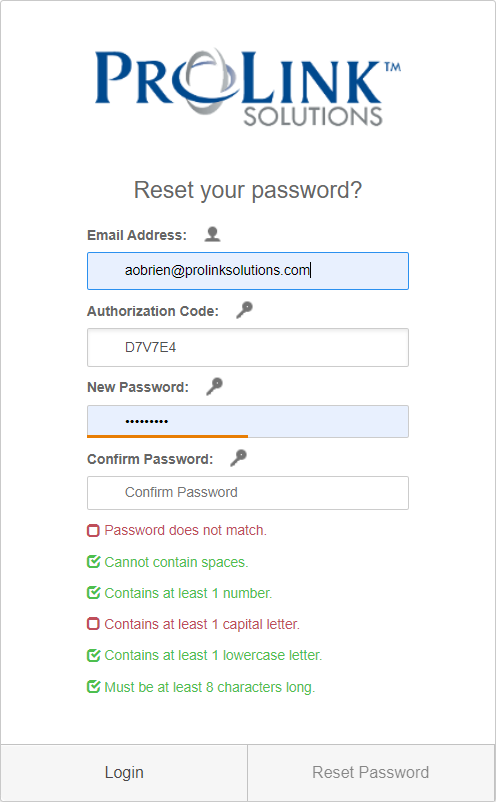
If, after the initial login, you would like to change the password, click Reset Password at the top of any screen within the system.

Complete all the fields on the Reset Your Password screen, and then click Reset Password.