Edit the Benefits Schedule - STC
Note
For most organizations, UT Actual Credits and UT Actual Losses will be hidden on deals because you can view income/loss at the fund-level.
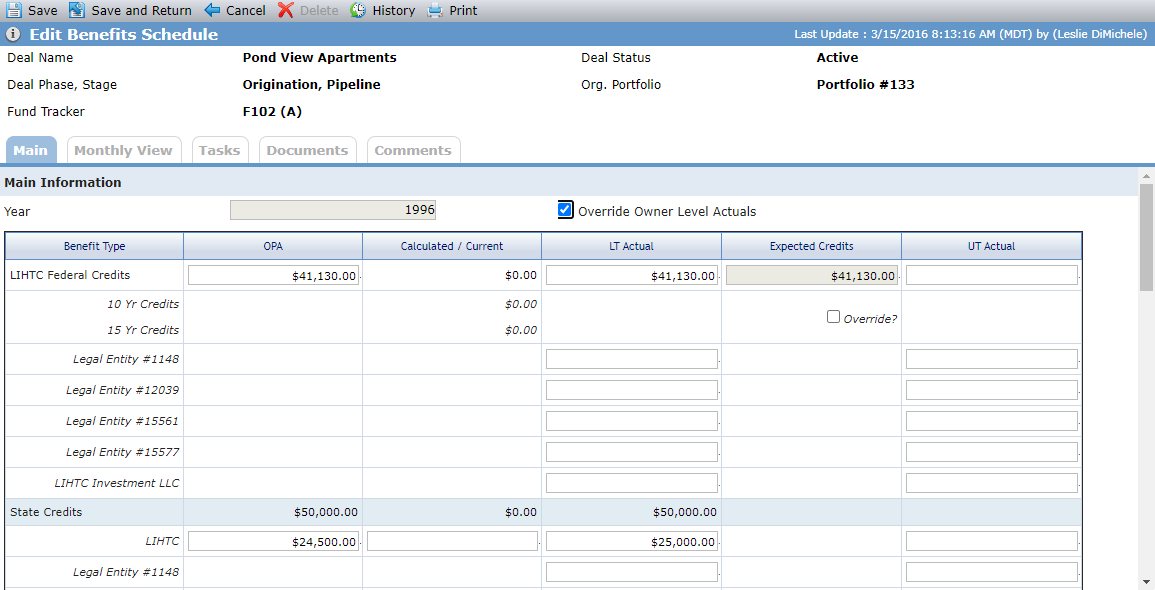
The Edit Benefit screen is where you can manually enter benefit values (for values that are not calculated). A number of calculated fields can be overridden on the screen.
Tip
ProLink includes data views to help report on benefits across the portfolio:
Deal Benefit Schedules
Deal Benefit Schedules - Owners—Displays a row for each deal owner benefit year, allowing you to report on benefit schedules by owner entity per deal. You can click a row to navigate to the applicable Deal Edit Benefits Schedule screen. You can quick search on Deal Name or Name.
Override Calculated Values
Important
You need the Benefits Schedule - Override Owner Level Actuals security privilege to override calculated values.
You can override the OPA, LT Actual, and UT Actual amounts at the deal level and Income/(Loss) level.
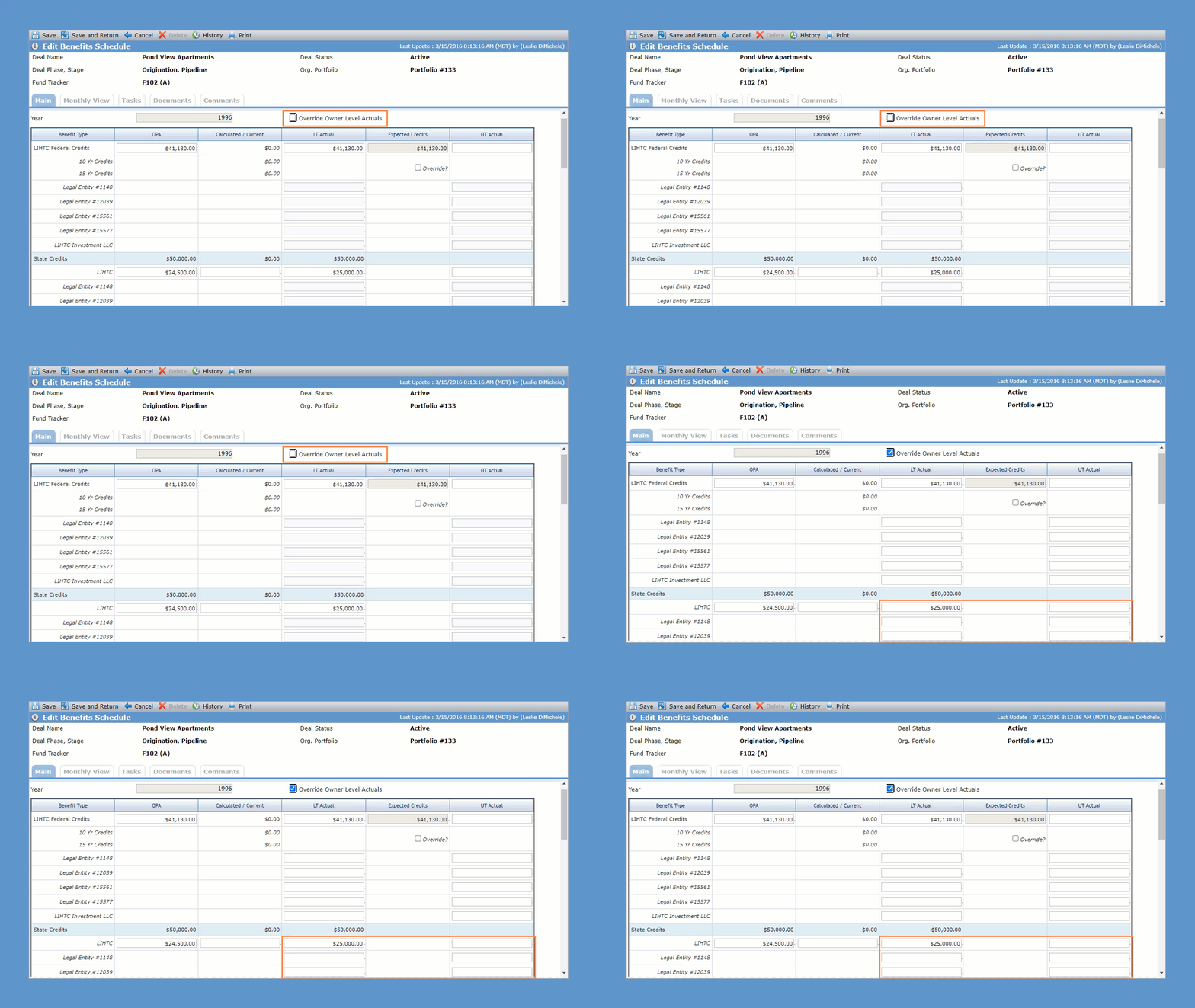
Select the Override Owner Level Actuals checkbox to change the owner-level LT Actual and UT Actual amounts to editable fields. You can override one or multiple owners' LT Actuals and UT Actuals.
Note
The system does not sum overridden owner-level actual amounts nor update the deal-level actual amount, even when the deal-level amount is not populated.
Main Tab
Main Information
This section displays:
A row for each different STC that exists on the deal.
A row for each QEI on the deal with State NMTC selected on the Edit QEI screen (if STC - NMTC is selected).
For STC - NMTC deals:
The deal-level OPA amount is the sum of all the QEIs' OPA amounts.
The deal-level Calculated/Current amount is the sum of all the QEIs' Calculated/Current amounts.
The deal-level LT Actual amount s the sum of all the QEIs' LT Actual amounts.
The read-only, calculated deal-level LT Actual value.
LT Actual and UT Actual values at the owner level.
Only those owners of the Sub-CDE(s) in a Finalized Ownership Schedule, when the Sub-CDE is the To entity for a QEI.
Owner-level values are calculated based on the owner's ownership percentage (Ownership Schedule) unless overridden.
Monthly View Tab
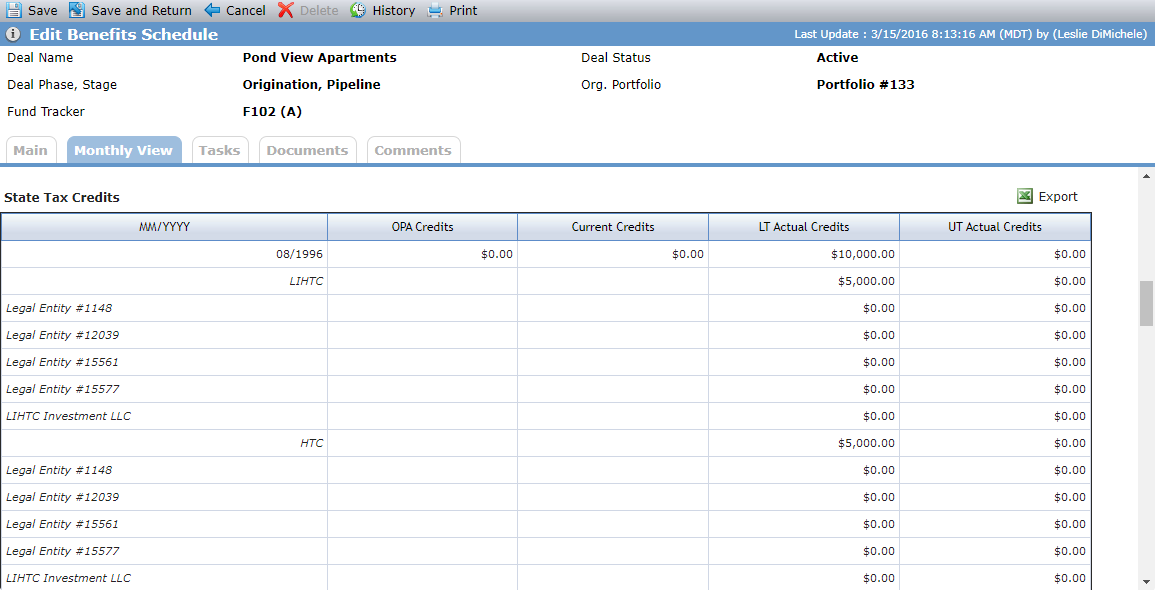
The screen displays a row for each different State Tax Credits that exist on the deal. If STC - NMTC is selected, a row is displayed for each QEI on the deal with State NMTCs selected on the Edit QEI screen. The fields are read-only and calculated based on the annual values.