Accessing ProLinkAIM
Important
This information applies only if your organization is not using single sign-on access control.
Before you can access ProLinkAIM, you must have a user account created. Generally, a system administrator creates a user account for each employee with the specific security privileges needed to perform their daily functions. Each user is assigned to a security role that determines what that individual can and cannot do in the application.
Access ProLinkAIM through a secure Login screen unique to your organization. The examples below provide the format of the URLs. If you are unsure of your URL, contact your system administrator or support@prolinksolutions.com.
Production—https://XXX.prolinksolutions.com
User Acceptance Testing (UAT)—https://uat.XXX.prolinksolutions.com
Note
Your organization might have additional environments. Contact your system administrator to learn about any additional environments and their purposes.
Tip
After accessing the site, save the link as a favorite in your browser or desktop for easy future access.
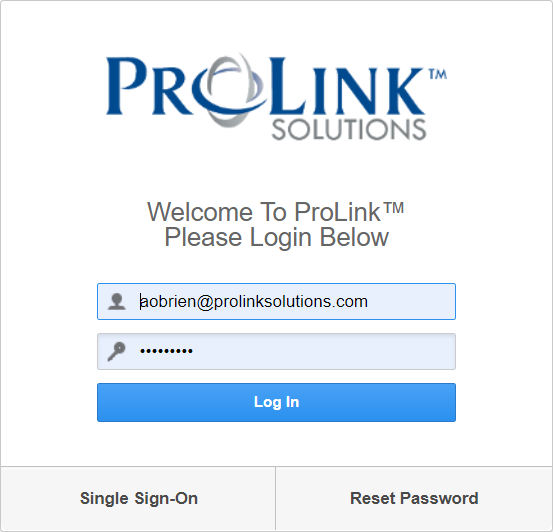
Enter your credentials in the Login screen.
Note
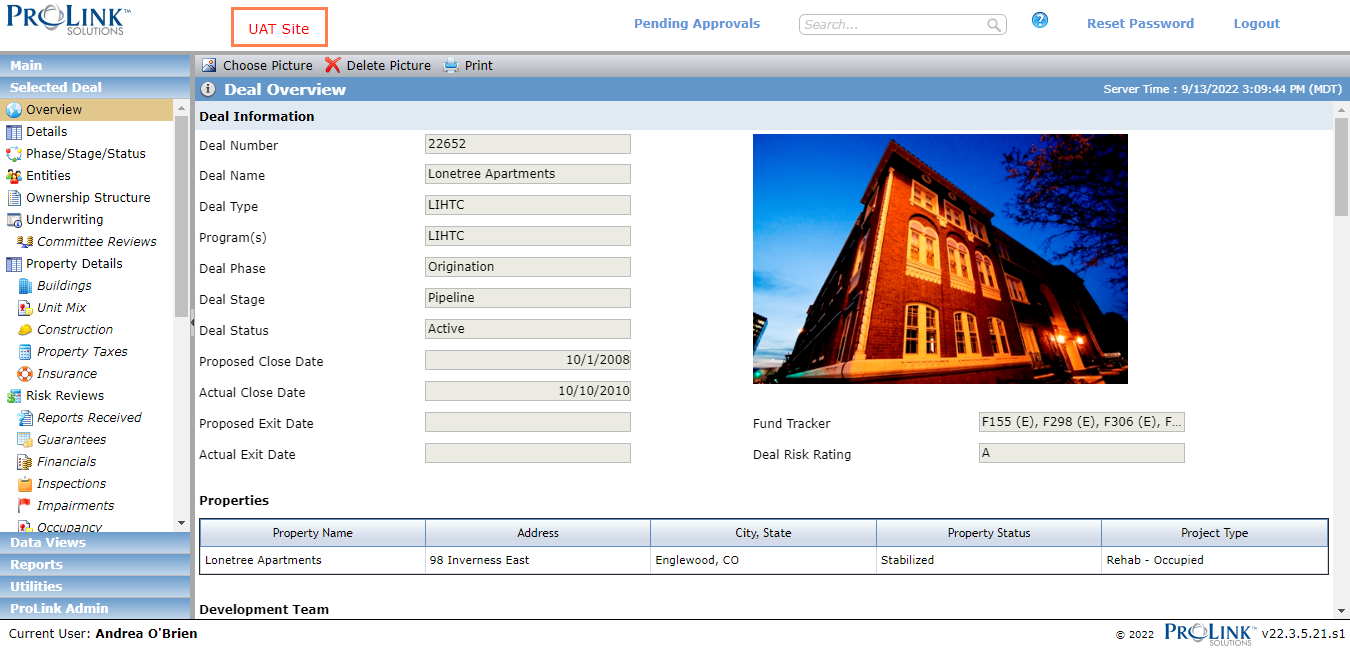
If you log into the UAT environment, "UAT Site" is displayed at the top of every screen in the application. If you logged into the production environment, no identification is visible.