Clear Comments
Clearing comments hides system-generated comments—the comments that provide information about the field mapping. You might choose to clear these comments before providing the SmartDox document to an outside party.
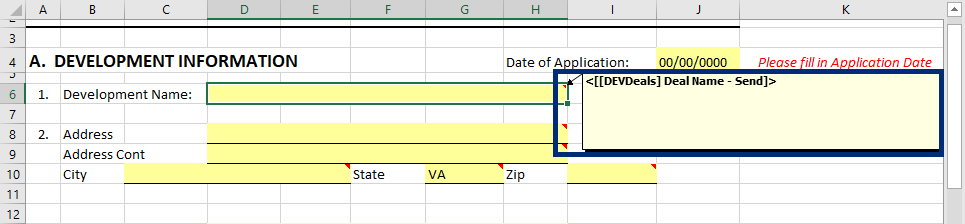
Any comments that have been manually added remain visible. Clearing the comments does not delete comments, but rather just hides the comments.
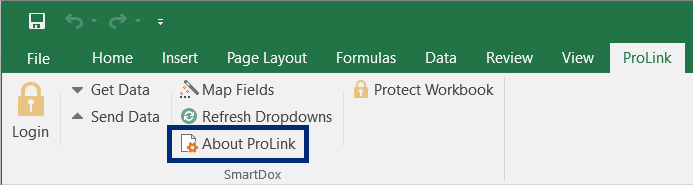
Click About ProLink on the ProLink menu.
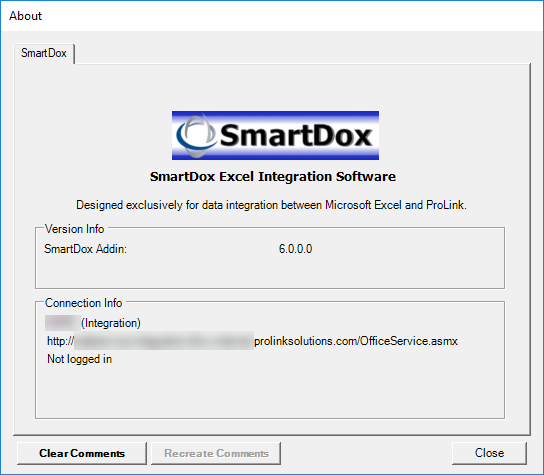
The About window opens.
Click Clear Comments.