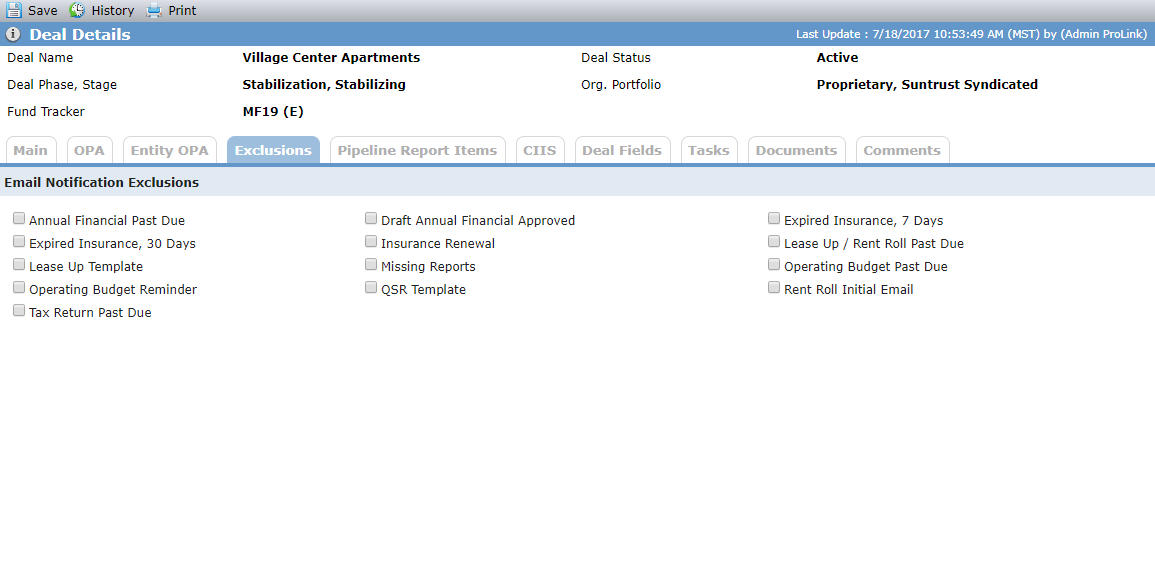
Manage Deal Details - Exclusions Tab
This tab allows Asset Managers to control the disbursement of email notifications that are sent for the deal. When a checkbox is selected, the corresponding notifications will not be issued. These are mainly notifications that are triggered through the workflow process.
If a corresponding workflow is inactive, it is not displayed on the Exclusions tab, unless it had been selected prior to being inactivated.
For more information about workflow notifications, see Manage Workflows.
To include a workflow on the Exclusions tab, the system administrator must add it as a value to the PL_EmailNotificationExclusion picklist.