Comments in ProLinkAIM
Most of the Edit screens throughout ProLinkAIM include a Comments tab. This tab allows you to add a note associated to a specific item or area of the application. As multiple users add comments, the Comments tab reflects the chain of messages.
Note
With the proper system permissions, you can delete comments.
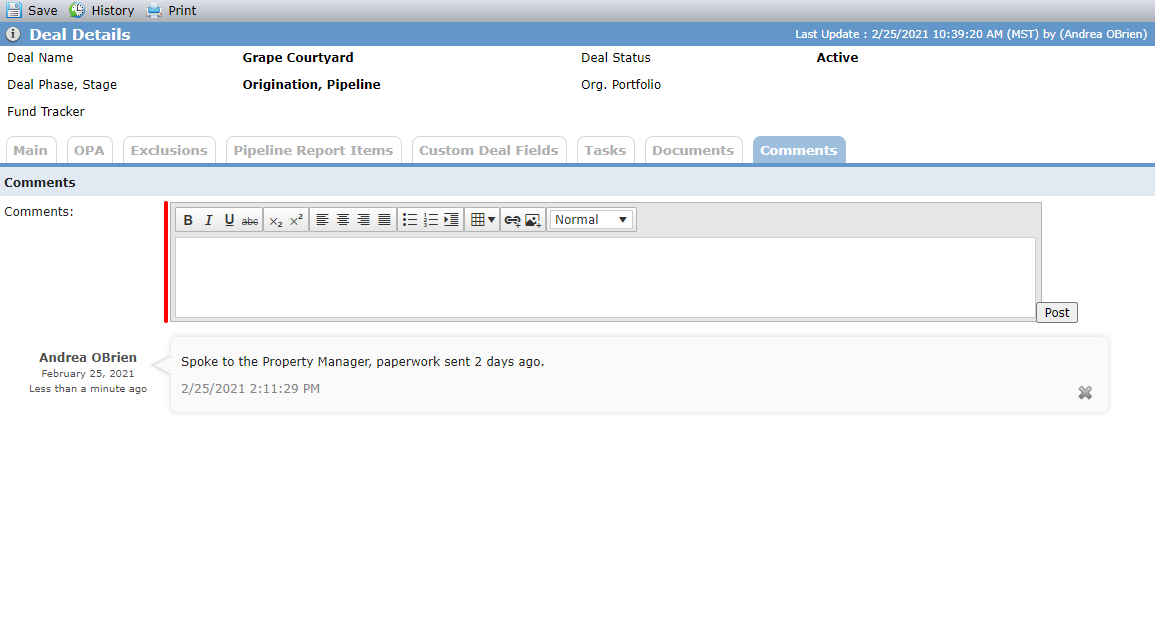
When you enter comments through the Comments tab on a deal or fund, you can use the formatting toolbar to format the text. In addition, when you copy and paste text from another application, such as email or Microsoft Word, into the Comments field, the text formatting is retained.
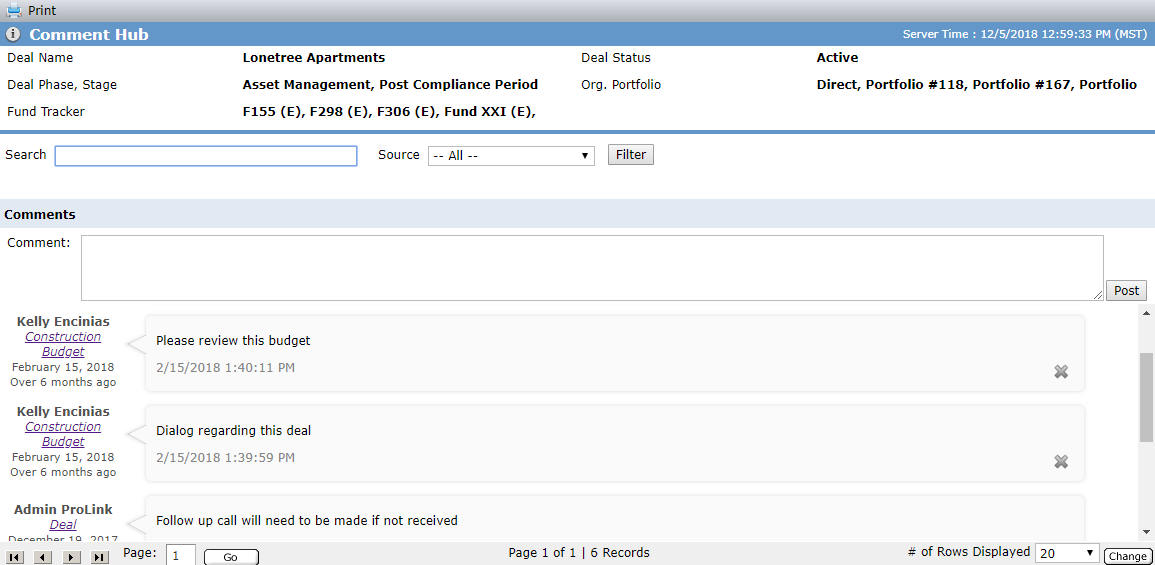
Comments Hub
Comments are also located within the Comment Hub and labeled based on where the comment was added. Here you can search for a comment associated with the deal or fund. To access the Comment Hub screen, navigate to the Selected Deal or Fund from the left navigation panel and select the Comment Hub option.