Overview Screens
Within the ProLink application application, Overview screens are used to display a high-level record or summary information. Each Overview screen provides a wide range of information displayed on a single screen. Typically, Overview screens are read only, which means they are meant to display data rather than provide data editing capabilities.
To access the Overview screens, select a deal or fund and the corresponding Deal or Fund Overview screen is displayed.
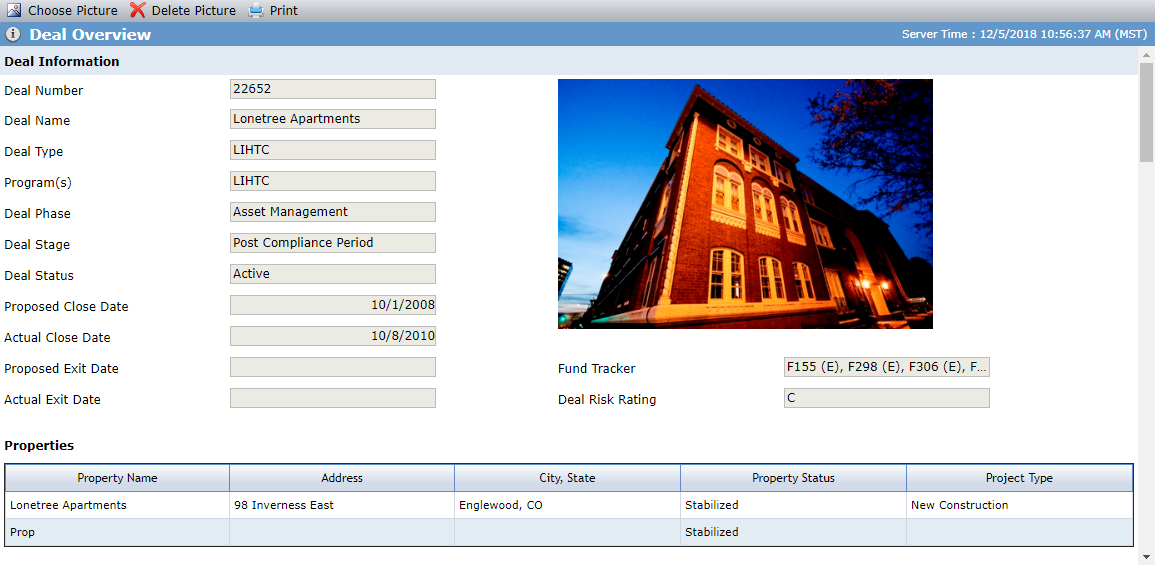
The Deal Overview screen provides a summary of the deal, including the properties, development team, and users assigned to the deal.