Quick Search
Use the screen-specific Quick Search, located below the top menu bar, to find data within the specified screen. Enter the data to search in the text box and click Search or press the Enter key on your keyboard. The entries that match the search criteria are displayed in a list.
Each screen has specific search criteria, which is listed in the parentheses to the left of the search box. Results are returned that match the criteria. You can sort, group, and filter results.
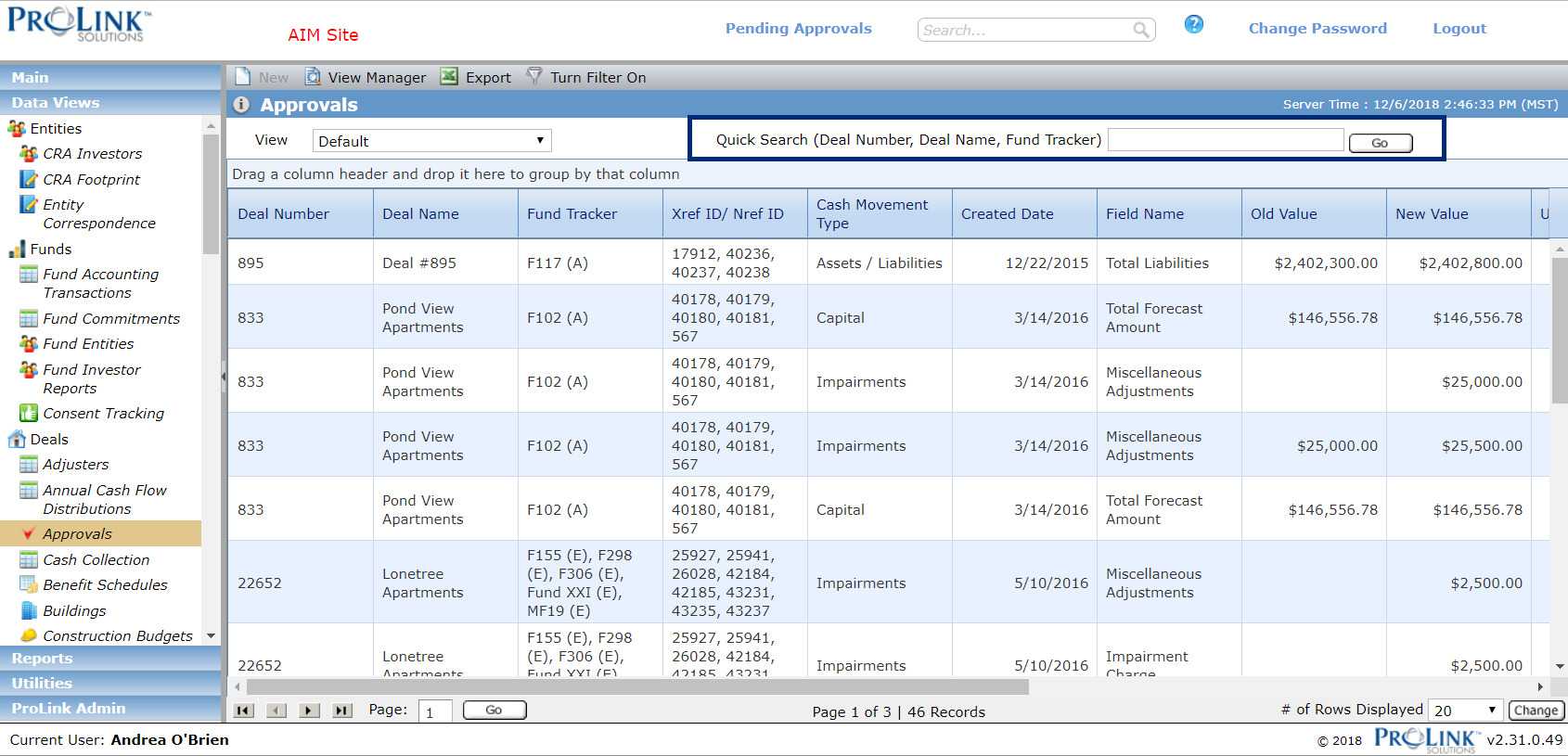
Only Data View screens have Quick Search capabilities, but System Search is available throughout the ProLink application.