Portfolio Statistics Report
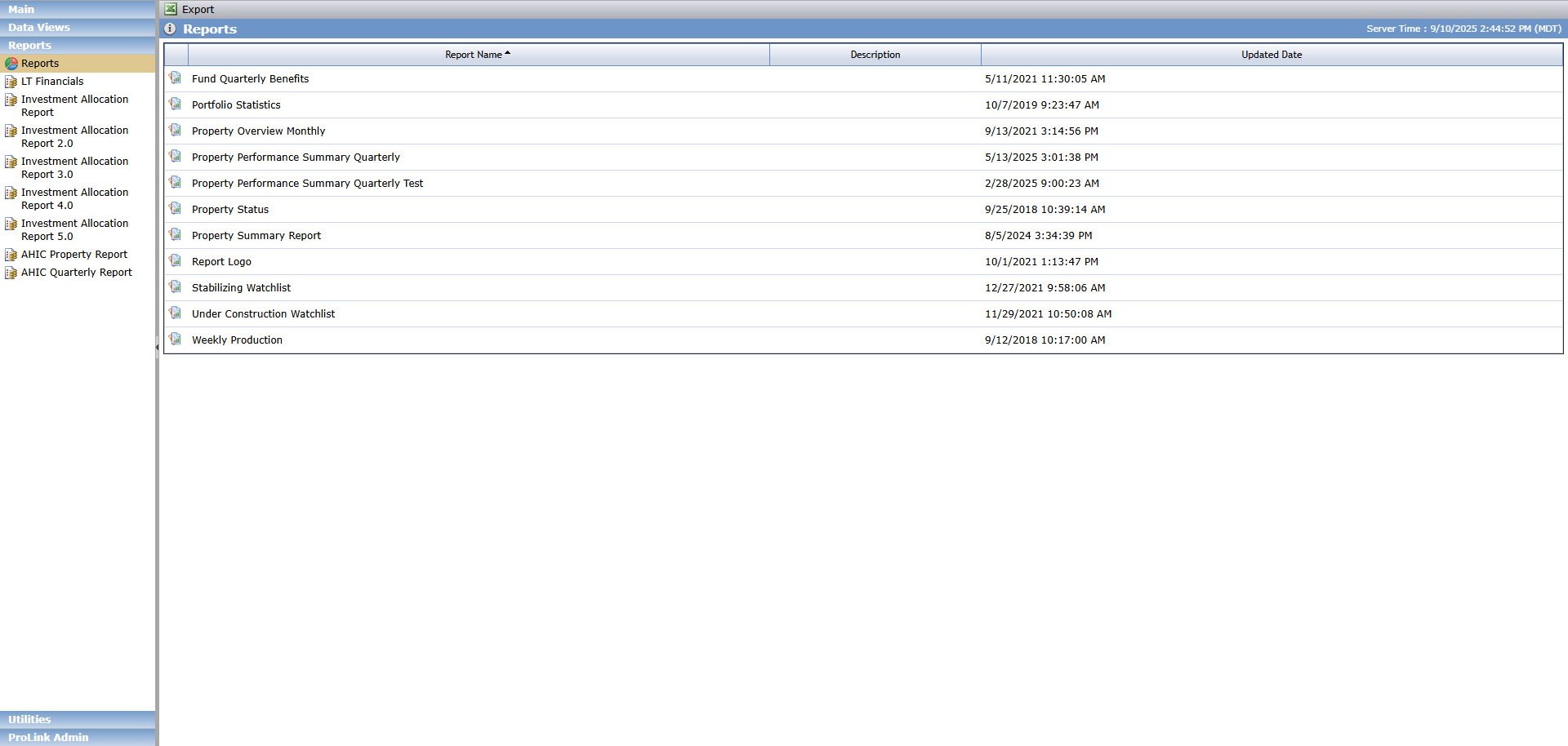
The Portfolio Statistics Report is available in the Reports section of the Reports panel.
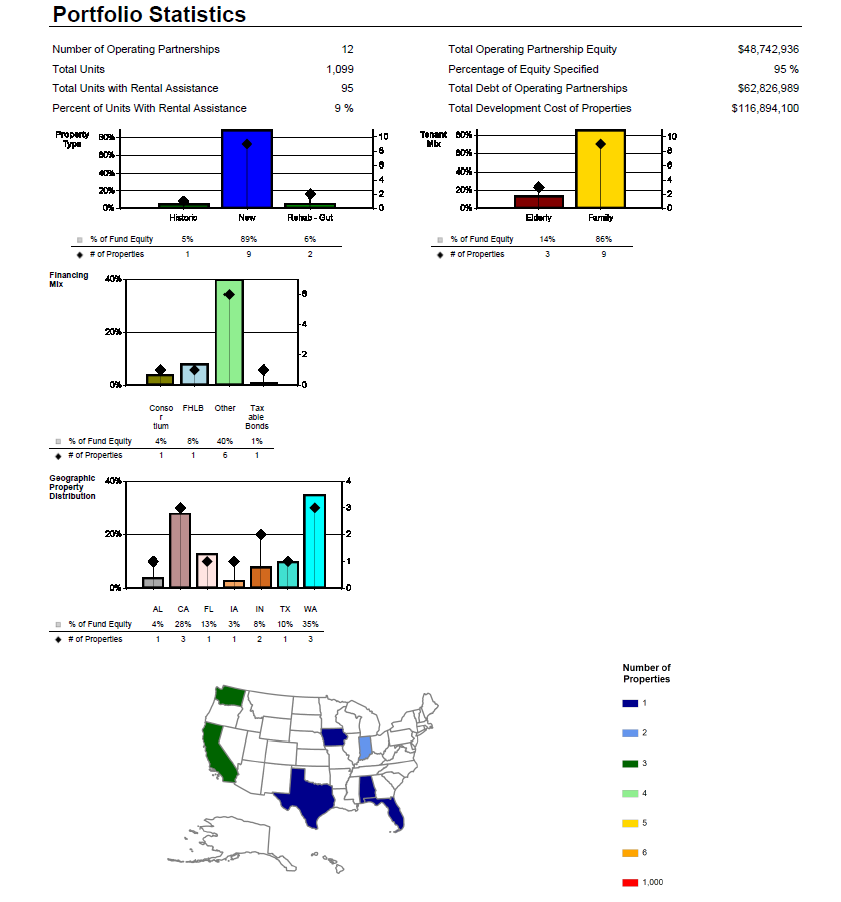
The Portfolio Statistics Report is a summary report of the Property Type, Tenant Mix, Financing Mix, and Geographical Property Distribution for the deals associated to a fund or organizational portfolio based on a specific period. The information is aggregated.
Aggregate fields include:
Number of Operating Partnerships—Number of lower tier deals associated to the selected Fund or Organizational Portfolio
Total Units—Sum of Property Residential Units across associated lower tier deals
Total Units with Rental Assistance—Sum of Property # of Rental Assistance Units across associated lower tier deals
Percent of Units with Rental Assistance—Total Units with Rental Assistance divided by Total Units
Total Operating Partnership Equity—Sum of Total Adjusted Capital across associated lower tier deals
Percentage of Equity Specified—Total Operating Partnership Equity divided by the Total Adjusted Capital
Total Debt of Operating Partnerships—Sum of all Hard and Soft Debt
Total Development Cost of Properties—Sum of the Total Project Use Amounts
The report displays lower tier deals owned by funds directly or through a middle tier fund. Lower tier deals owned through a middle tier fund are only included when Include Child Funds equals Yes.
The report displays the following sections:
Property Type—A graph displays the percentage of Fund Equity per Property Type and the number of deals that have that Property Type.
Tenant Mix—A graph displays the percentage of Fund Equity per Tenant Mix and the number of deals that have that Tenant Mix.
Financing Mix—A graph displays the percentage of Fund Equity per Financing Type and the number of deals that have that Financing Type.
Geographic Property Distribution—A graph displays the percentage of Fund Equity per Geographic Location (state) and the number of deals in each state
To generate the report:

Select the fund or portfolio name to report on.
Select whether to include child funds in the results.
Select the Month.
Select the Year.
Click View Report.
Save or print the report.