Logging In
Important
This information applies only if your organization is not using single sign-on access control.
Because SmartDox can read and write data in the ProLink application, access control is critical. SmartDox requires all users log in before they can access data, or create and edit templates. Privileges for a user to access ProLink data through SmartDox are the same as those privileges a user has when logging in directly to the ProLink application.
To log in to SmartDox:
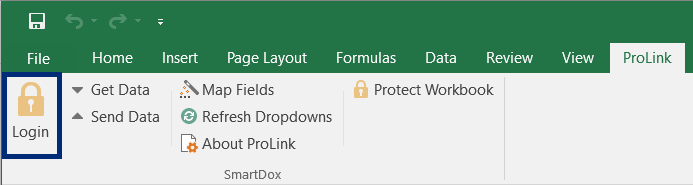
Open Microsoft Excel or Microsoft Word and click the ProLink option in the menu bar.

Click Login to open the SmartDox login window.
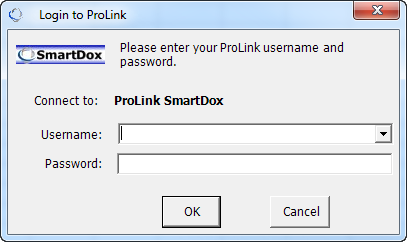
The login window appears.
Enter an appropriate username and password, and click OK.
Note
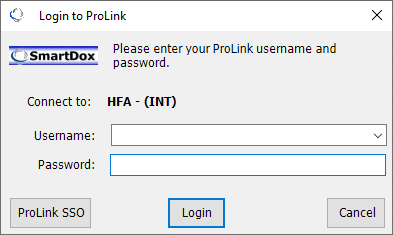
A ProLink-controlled configuration allows ProLink users to use single-sign on (SSO). When the configuration is enabled, the SmartDox login screen includes a ProLink SSO button.
You do not need to log in again until you close and reopen the Word or Excel application.